iCloud Calendar
You must first enable iCloud Sync for your local calendar before using this method. If iCloud Sync is not enabled, please use the URL sharing method.
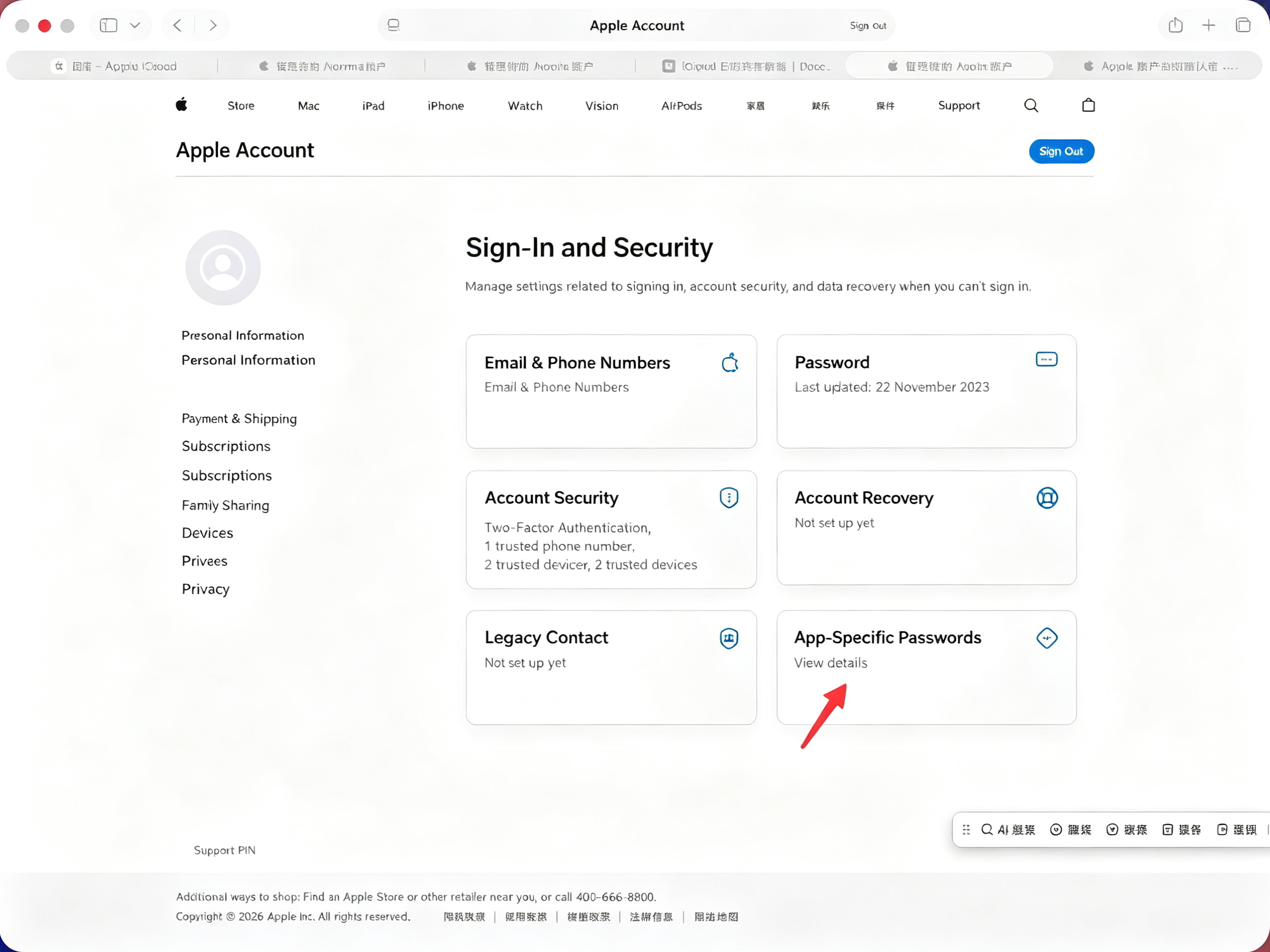
- Generate an app-specific password for calendar sharing. Open the Apple ID management center at https://appleid.apple.com/account/manage, then click App-Specific Passwords
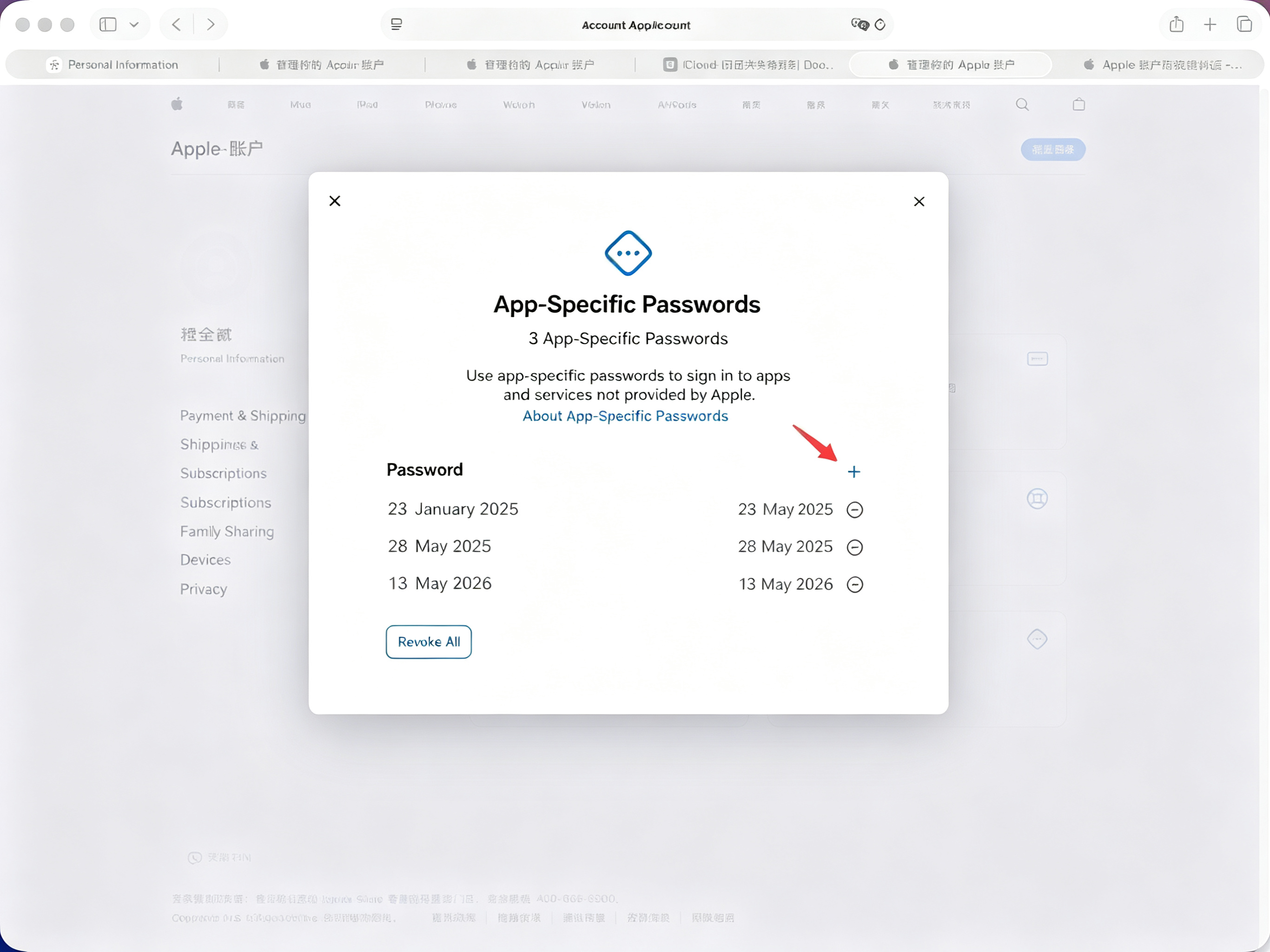
- Click the + icon, enter an app name that will use this password, and click Create
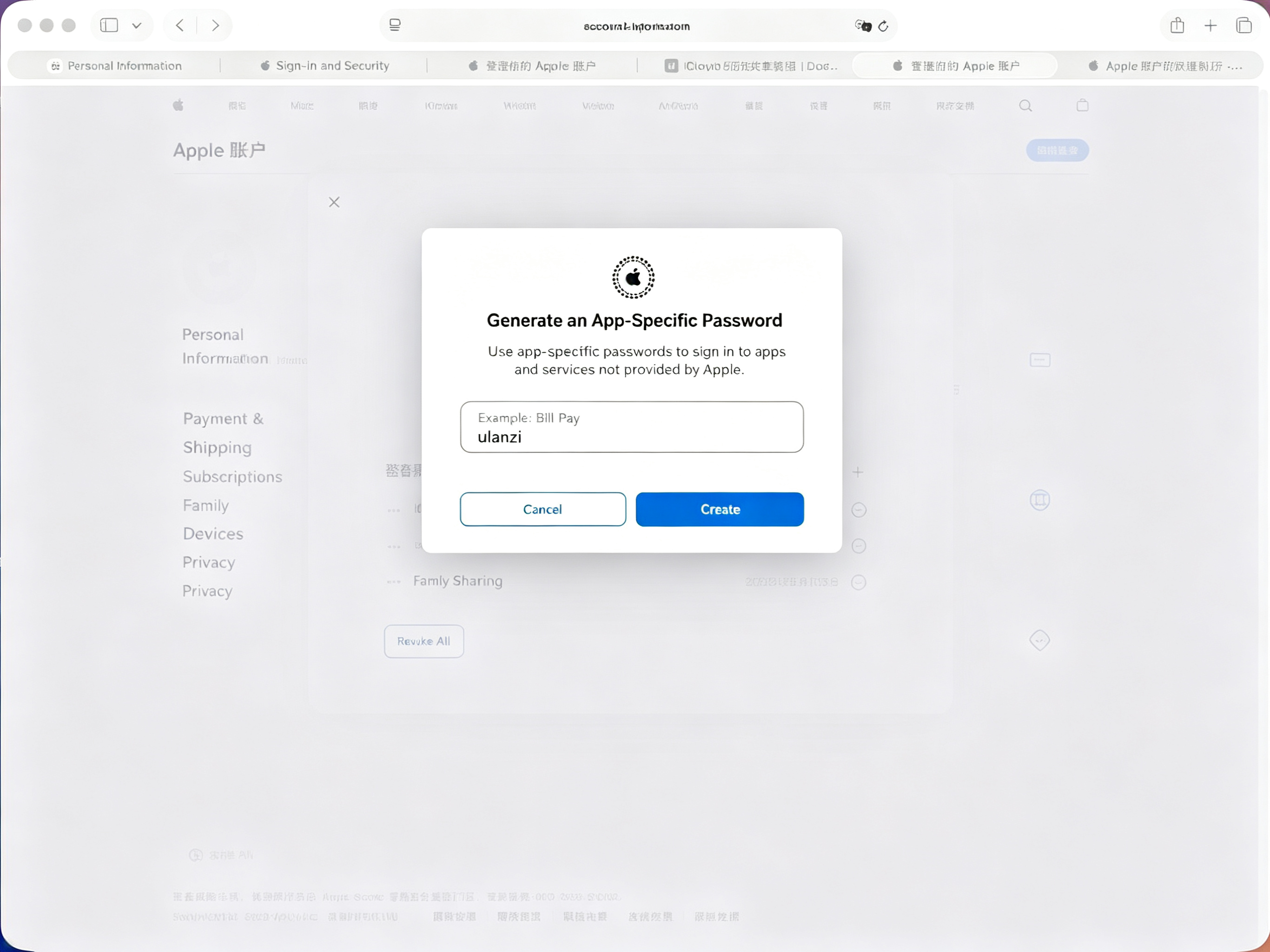
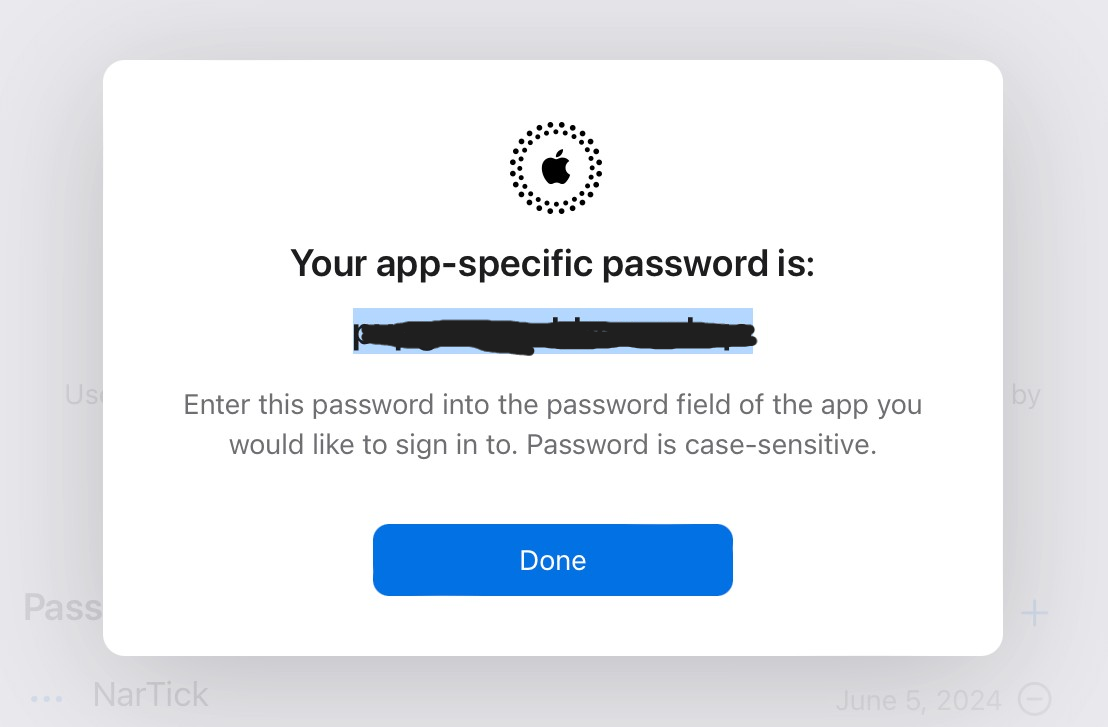
- Obtain the password
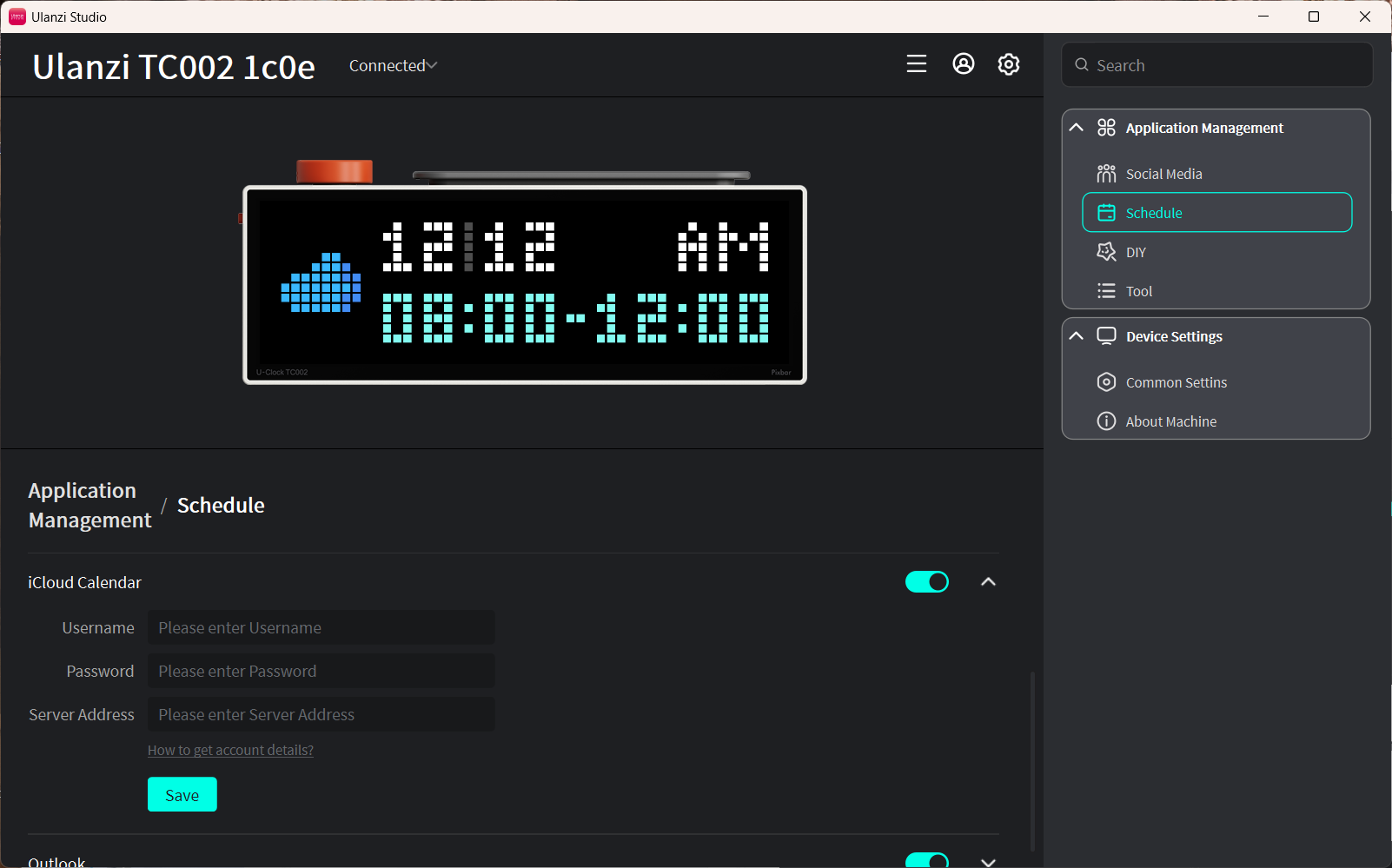
- In the iCloud schedule feature, enter your Apple ID account name as the username, enter the password you just obtained in the password field, and enter the following as the server address:
caldav.icloud.com, then click Save
Notes
- Only today's events are displayed, up to the two most recent entries.
- Data syncs automatically every 5 minutes.
- Keep the device connected to the internet. After modifying events, click Save in Ulanzi Studio to refresh immediately.