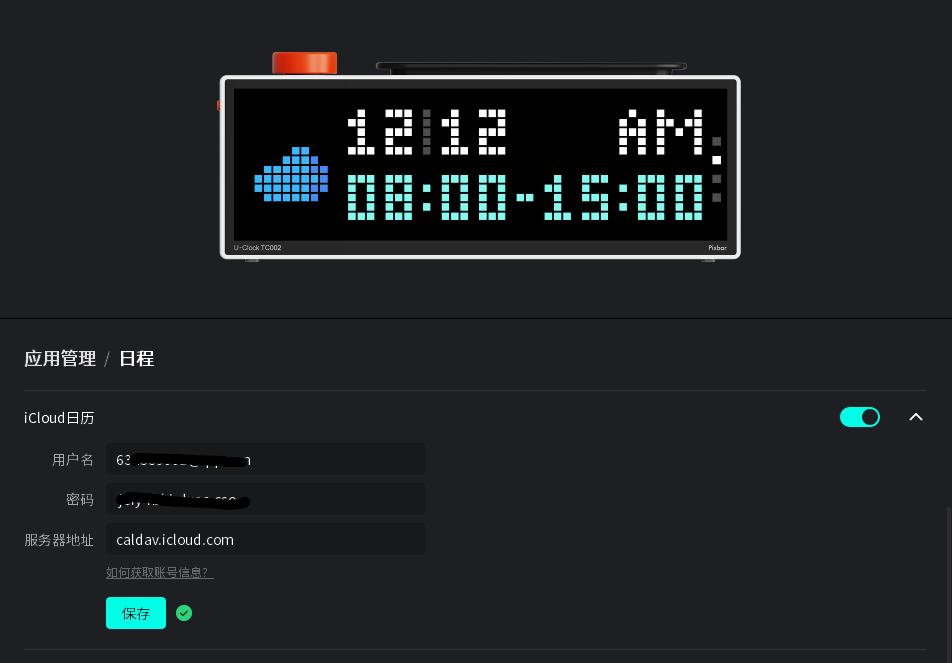
iCloud Calendar Sharing Tutorial
Make sure you enable iCloud sync for your local calendar first; otherwise, this method won’t work. If iCloud sync is not enabled, please use the URL sharing method instead. Step 1
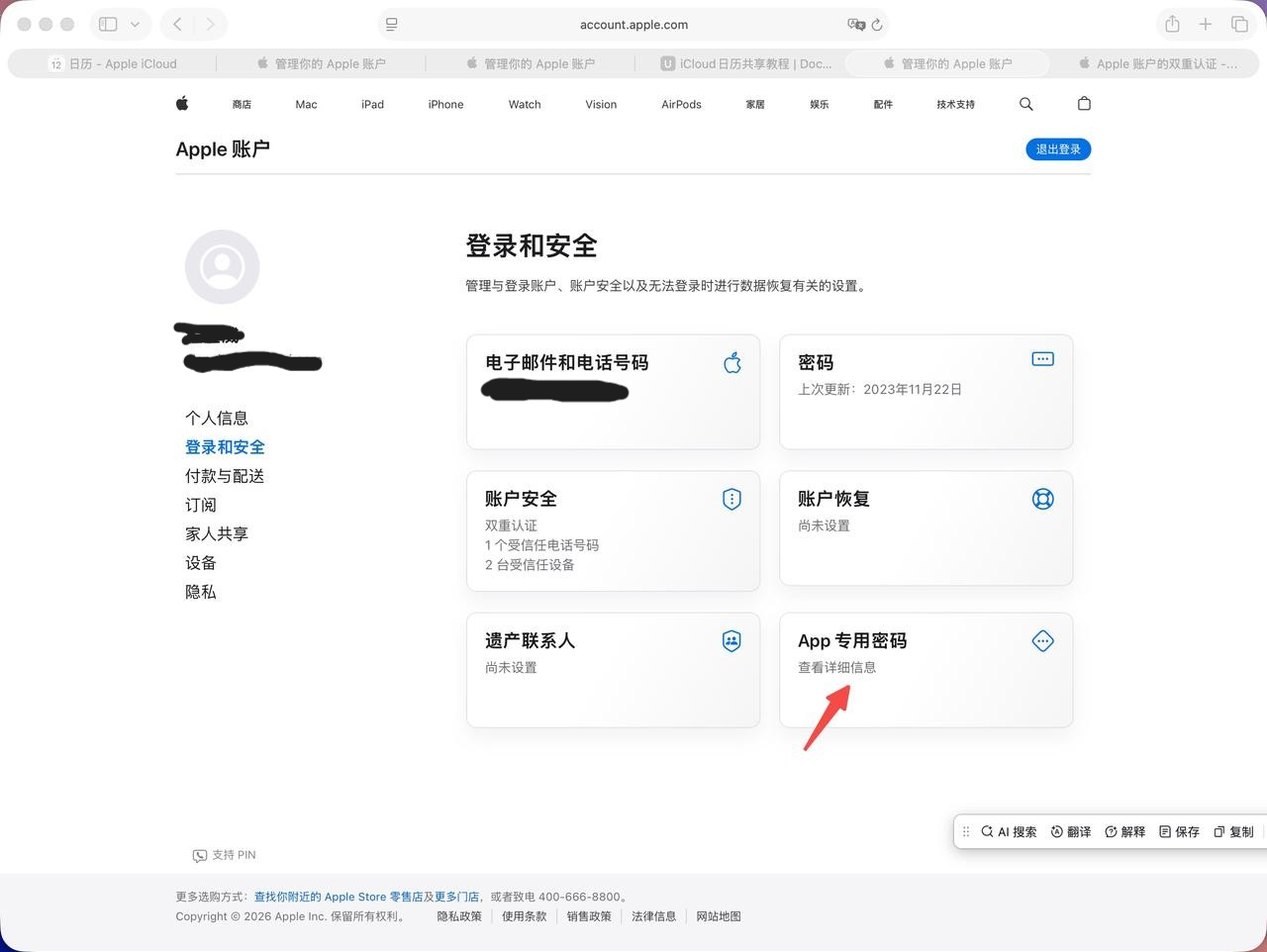
- Generate an app-specific password for calendar sharing. Open the Apple Account Management Center https://appleid.apple.com/account/manage, then click App-Specific Passwords.
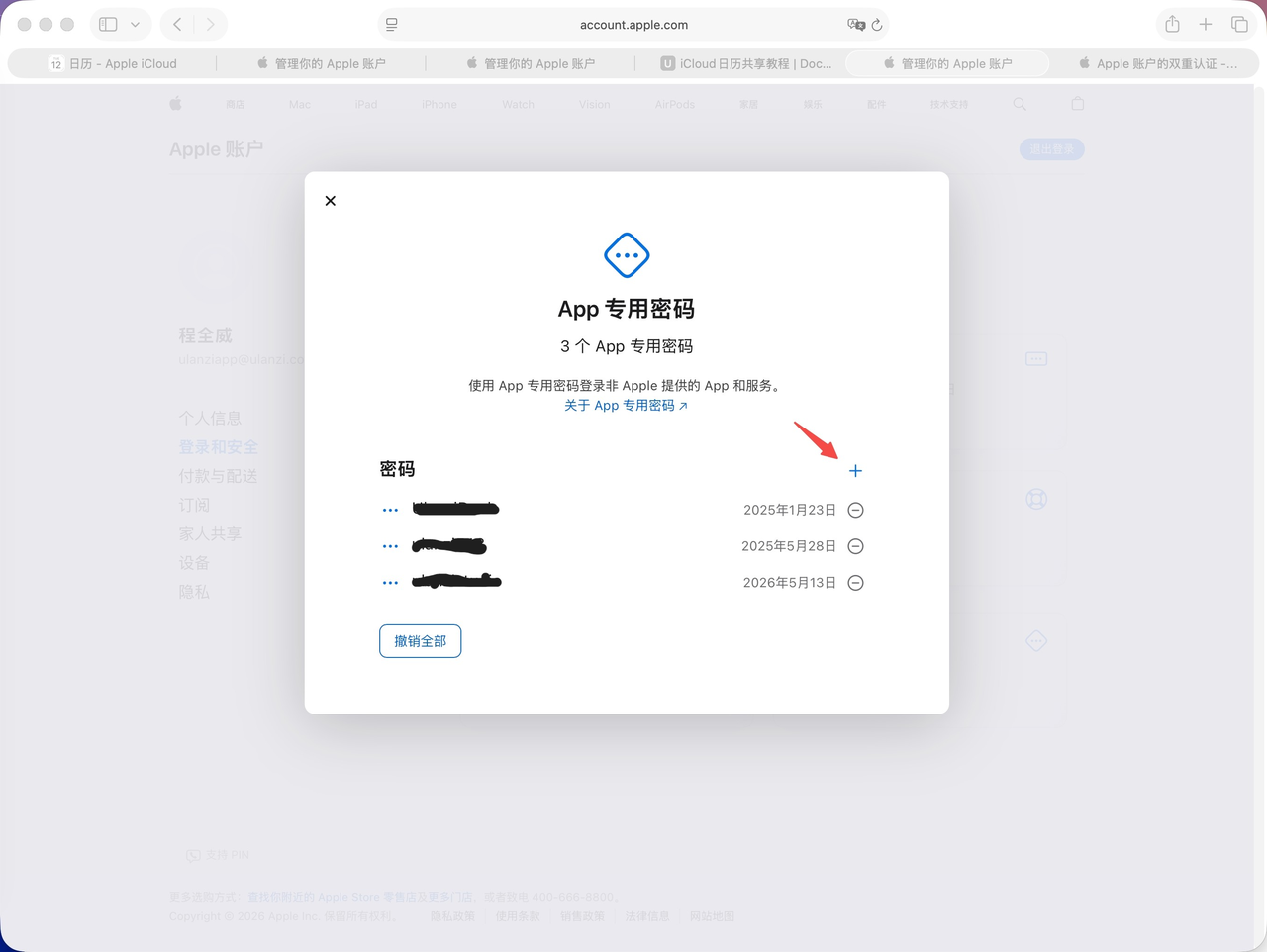
- Click “+”, enter an app name that will use this password, and click Create.
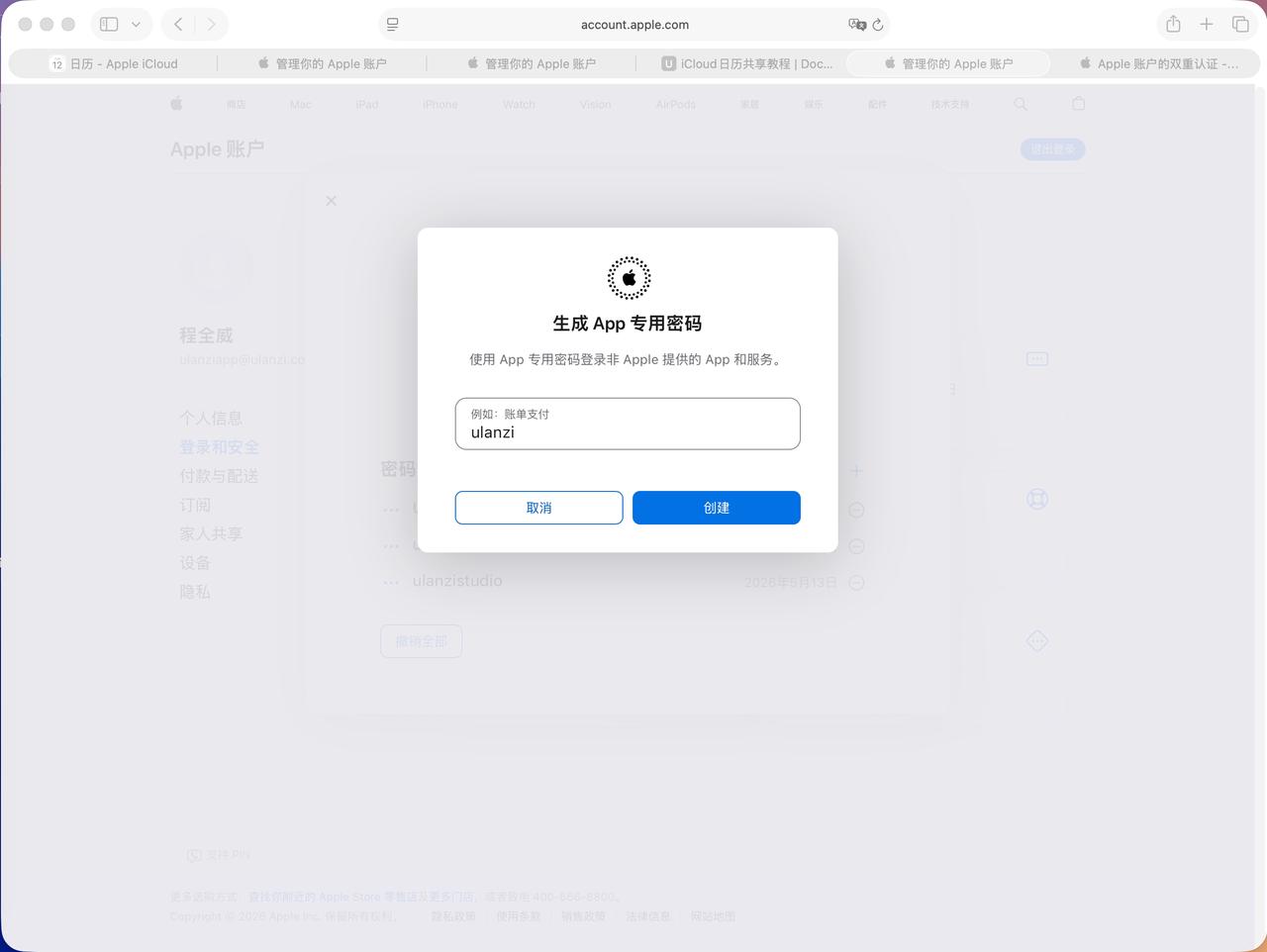
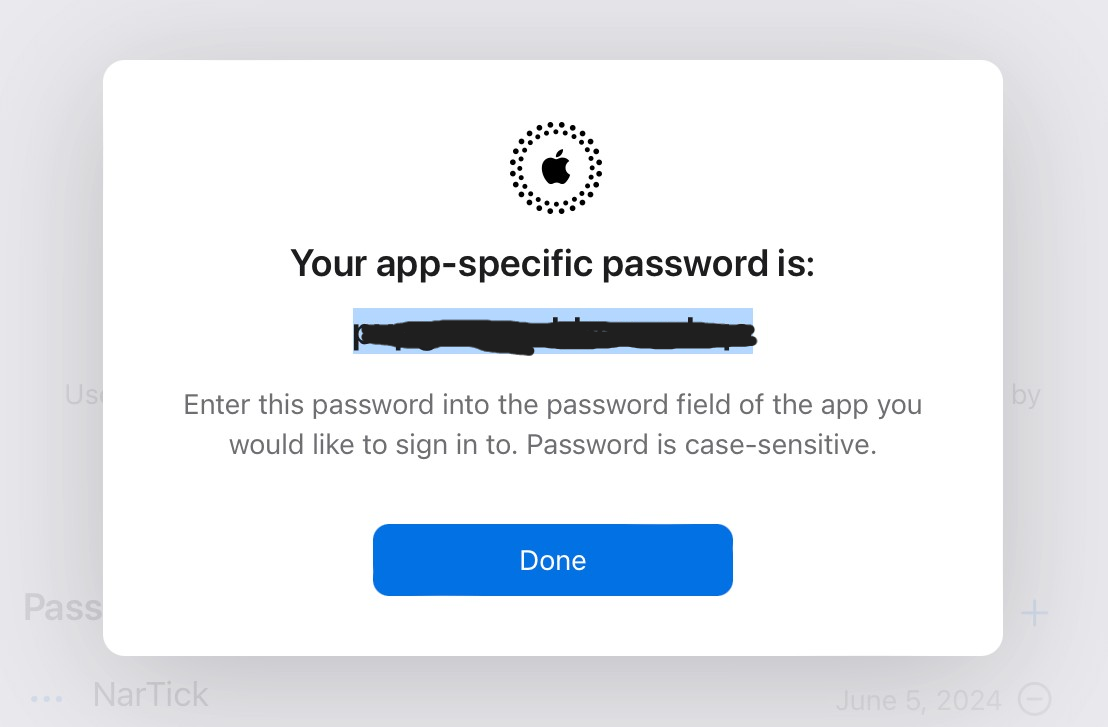
- Get the password.
- In the iCloud Calendar feature, enter the Apple ID account name of the current Apple device as the username, enter the password you just obtained in the password field, and enter the server as caldav.icloud.com, then click Save.